

Overview
The Model Context Protocol (MCP) extends the capabilities of language models by enabling them to execute actions on external or internal systems. In Devic, MCPs act as integration interfaces that connect agents and assistants with APIs, services, or custom functions.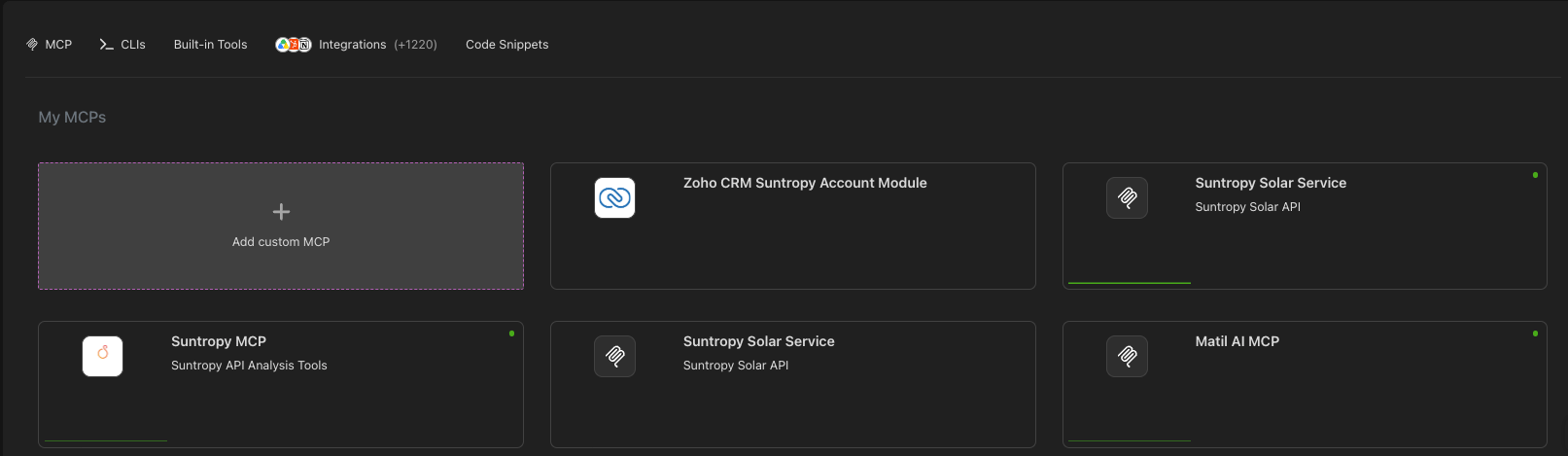
My MCPs
Servers you build. Point Devic at your own API — an OpenAPI definition is enough — and it becomes an MCP server whose tools the models can call. Devic hosts it.
Connected
Servers somebody else runs. Give Devic the URL of a remote MCP server, authenticate once, and its tools join the catalogue as if they were local.
The rest of the tabs
Beside MCP, the same section carries everything else an agent can be given:MCP Gateways used to live here and now sit under AI Governance, which is where the sessions and tool calls they record are reviewed. See MCP Gateway.
Using MCPs
Once created, connected or imported, MCPs become available to the agents and assistants you attach them to. They can be invoked through natural language or integrated into automated workflows.Internal use
Agents execute MCP tools autonomously within their business logic.
External use
MCPs can be published and shared with other environments —for example, ChatGPT or third-party services— through an access URL.
Next step
Learn how to create your MCP automatically from an OpenAPI definition.