

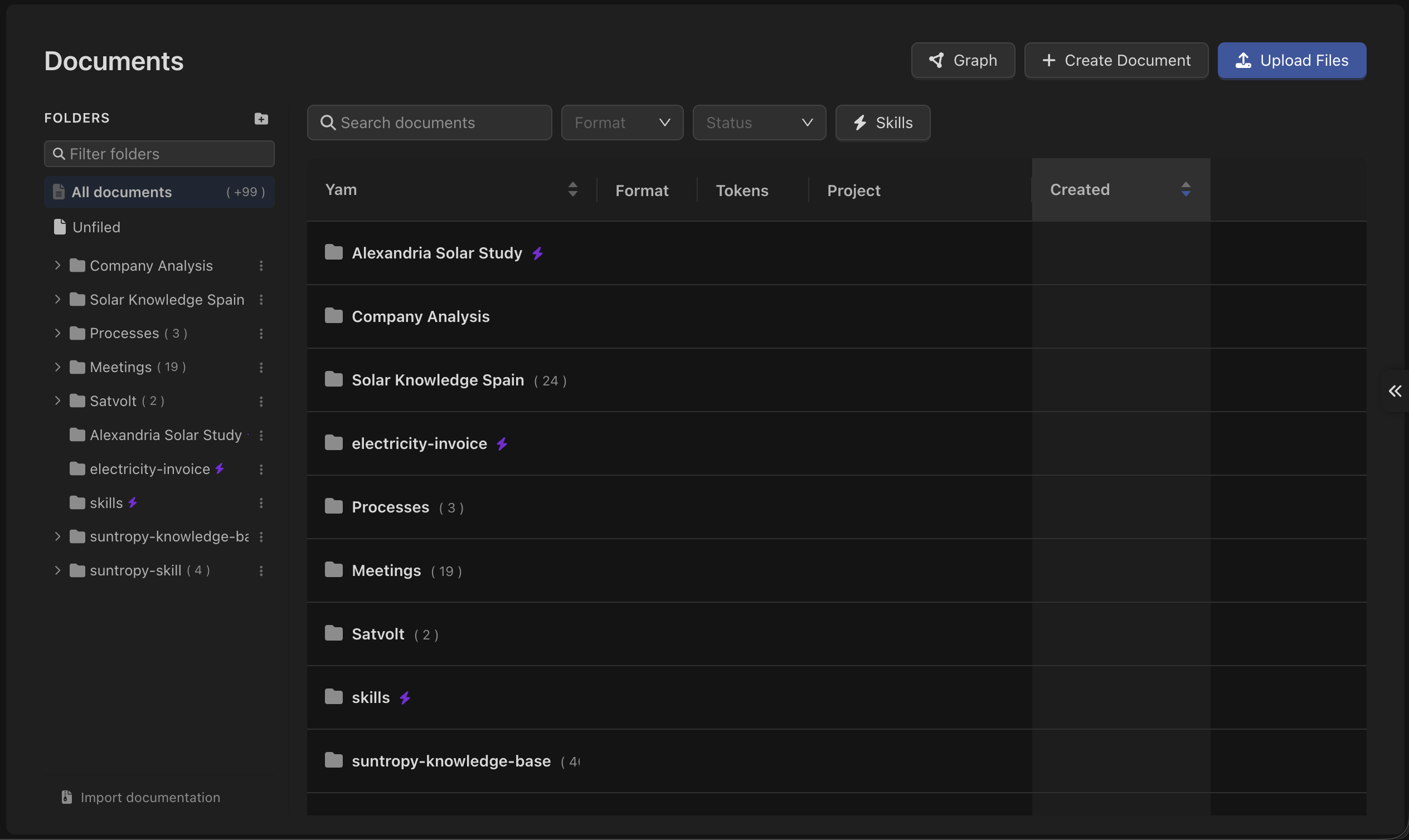
Two kinds of document
Markdown documents
Written and edited inside Devic. Versioned on every change, linkable to each other, and organised in folders. This is the format to prefer for anything your team maintains.
Uploaded files
.pdf, .docx, .txt and .md files, up to 25 MB each. Devic extracts the text, summarises it and indexes it for retrieval.A third thing lives here too. A document or a folder can be marked as a skill — packaged instructions an agent loads only when it needs them, rather than knowledge it searches. Same editor, same versions, different way of reaching the model. See Skills.
What happens when you add a document
Every document goes through the same pipeline before an agent can use it:1
Text extraction
The content is read out of the file — PDF, Word, plain text or markdown.
2
Summarisation
Devic writes a summary of the document. The summary is what an agent reads first when deciding whether a document is worth opening, so it is worth reviewing and editing.
3
Indexing
The text is split into fragments and indexed for semantic search, each document into its own index.
pending; agents ignore it until it is ready. Progress appears live in the interface — you can close the upload dialog and it keeps going in the background.
Each document is indexed on its own rather than merged into a single per-agent index. That is why attaching and detaching are instant, and why editing a document only re-indexes that one document.
Giving a document to an agent
Attach it. Open the agent or assistant, go to its context section and pick the documents or folders it may read.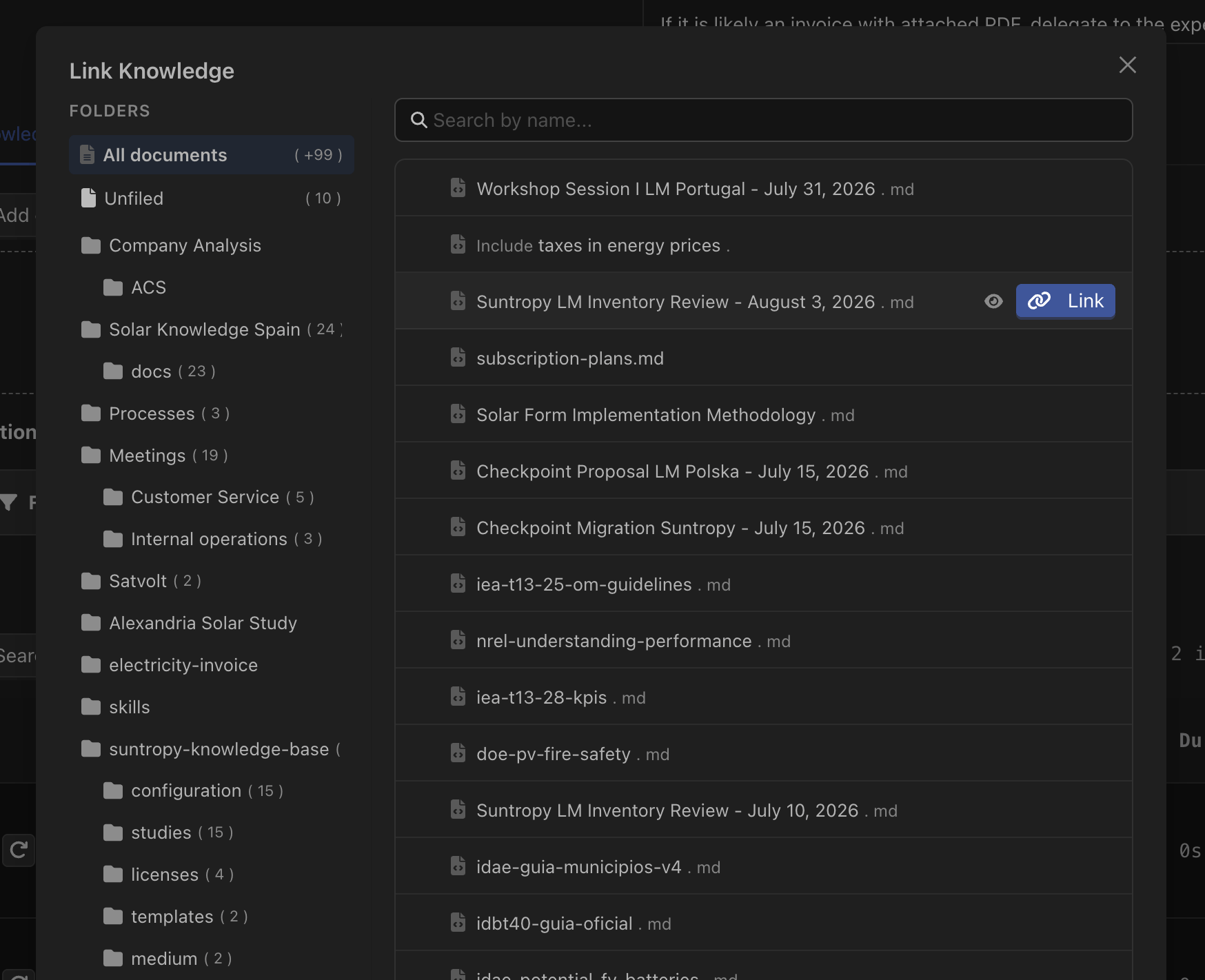
Attaching a folder attaches everything inside it, including documents added later — the useful shape when a team keeps writing into the same place.
Retrieval follows the hierarchy: attaching a document also gives the agent its subdocuments, all the way down. See Organising knowledge.
Where it fits
Writing documents
The editor, frontmatter, links between documents and subdocuments.
Organising knowledge
Folders, hierarchy, the document graph and search.
Versions
Every change kept, compared and revertible.
Skills
Instructions an agent loads on demand — and what that costs in tokens.
Skills from GitHub
A skill that lives in a repository and is read live.
RAG in agents
How an agent decides what to retrieve, and when.