

Two channels
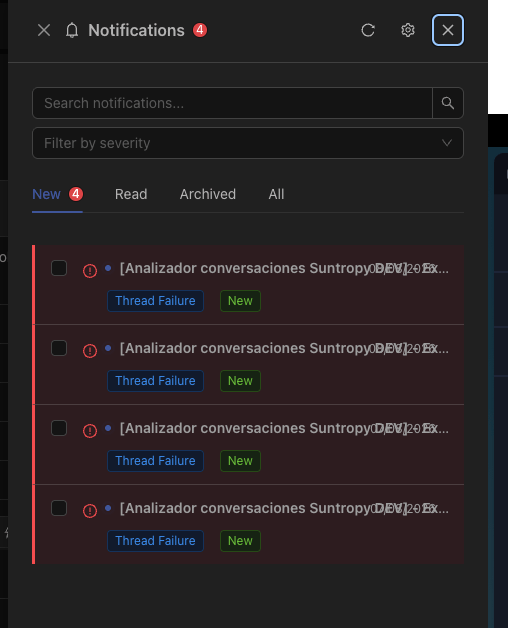
In the console
A panel in the header, with unread counts. The default for anything you will see while working.
By email
For what should reach you when you are not looking at Devic — an approval blocking a process, a failure out of hours.
What generates one
The most common are the ones that block work or cost money:Marking as read
Read state is per user, so a notification you have dealt with does not keep nagging your colleagues — and one they dismissed does not disappear for you.Related
Human in the loop
Where approval notifications come from.
Usage limits
Where limit notifications come from.