

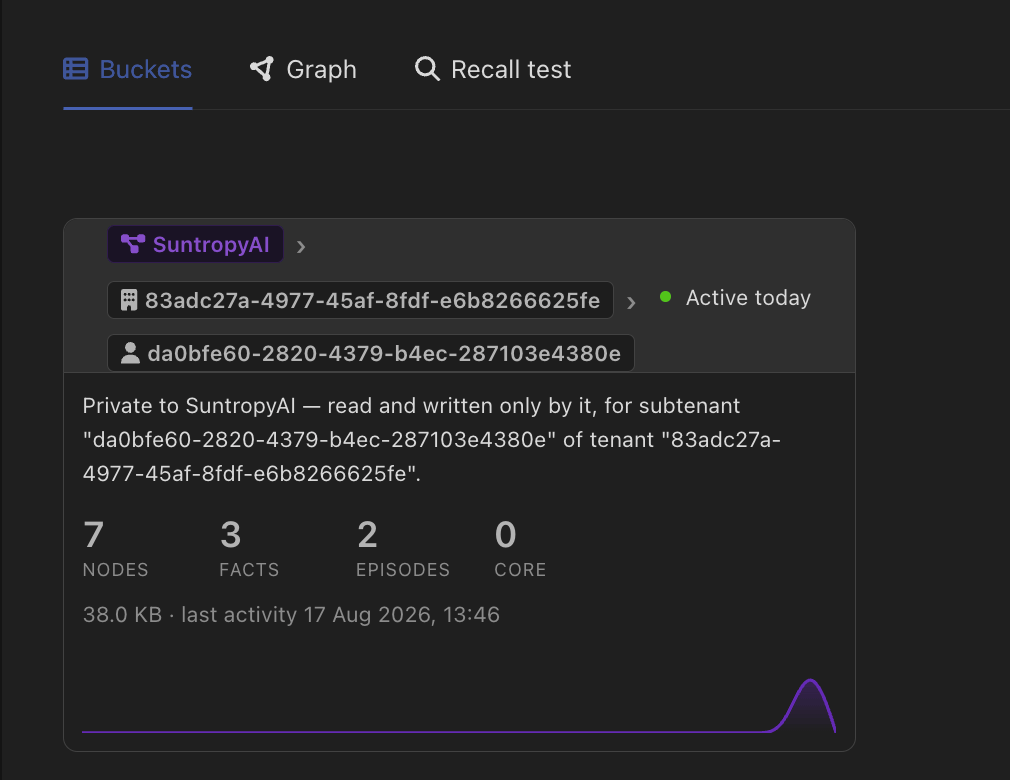
Scope: how far the memory reaches
scope sets the level at which the bucket is partitioned, from the most isolated to the least:
Reads and writes go to the same bucket. When a conversation does not carry a subtenant, the default quietly degrades to the tenant level, and from there to the assistant level — it never falls sideways into someone else’s bucket.
Widening can also be done for reads only: inherit shared lets an assistant read from broader levels while still writing to its own bucket. That is how a shared, organisation-wide memory can be visible to every team without any team being able to write into it.
Owner: whose memory it is
scope says how finely the buckets are cut. owner says what family they belong to.
self (default)
The assistant’s own identity. Each assistant has its own memory family.
project
The project. Every agent and assistant in the project that opts in shares one family — still partitioned by tenant and subtenant. Entities with no project fall back to
self.user
The person holding the conversation. Memory follows them across every assistant and agent set to this owner — one memory per person.
pinned bucket
An exact bucket, named outright. Reads and writes go there and nowhere else, ignoring scope and hierarchy. This is how several assistants deliberately share one memory.
owner: user gives one memory per person, not per person per tenant — splitting it by whatever tenant a conversation happened to carry would defeat the point. Runs with nobody behind them — cron schedules, inbound channels, API-key traffic — fall back to the entity’s own bucket rather than pooling into a shared one.Putting it together
Two examples, both common: A SaaS with customer organisations. Leavescope: subtenant and owner: self. Each customer, and each team inside them, gets its own memory. Nothing to configure per customer — the bucket follows the tenant the conversation carries.
An internal assistant your staff use all day. Set owner: user. Whatever anyone tells it, it remembers for them, on every assistant that shares this owner. Their colleague’s memory is a different bucket.