

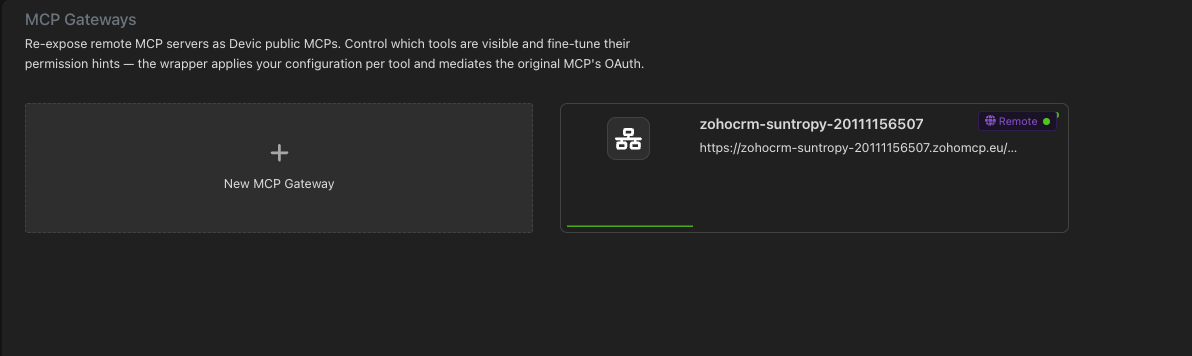
Why put a gateway in front
Fewer tools, better answers
A server with 200 tools makes any model worse. Hide what nobody needs and the remaining ones get chosen correctly.
Different views per user
The same server can expose ten tools to support and three to interns.
Safer descriptions
Descriptions and permission hints can be overridden without touching the upstream server.
Visibility
Sessions, tool calls and their outcomes, attributable to a person.
Setting one up
1
Connect the upstream
Point the gateway at the remote MCP server and authorise it. Servers without dynamic client registration can be given a pre-registered OAuth client.
2
Discover the tools
Devic reads the upstream’s tool list, with descriptions and permission hints.
3
Adjust what is exposed
Hide tools, rewrite a description, correct a permission hint —
readOnlyHint, destructiveHint, idempotentHint, openWorldHint.4
Publish
The gateway is served under its own address on
*.mcp.devic.ai, ready to be added to any MCP client.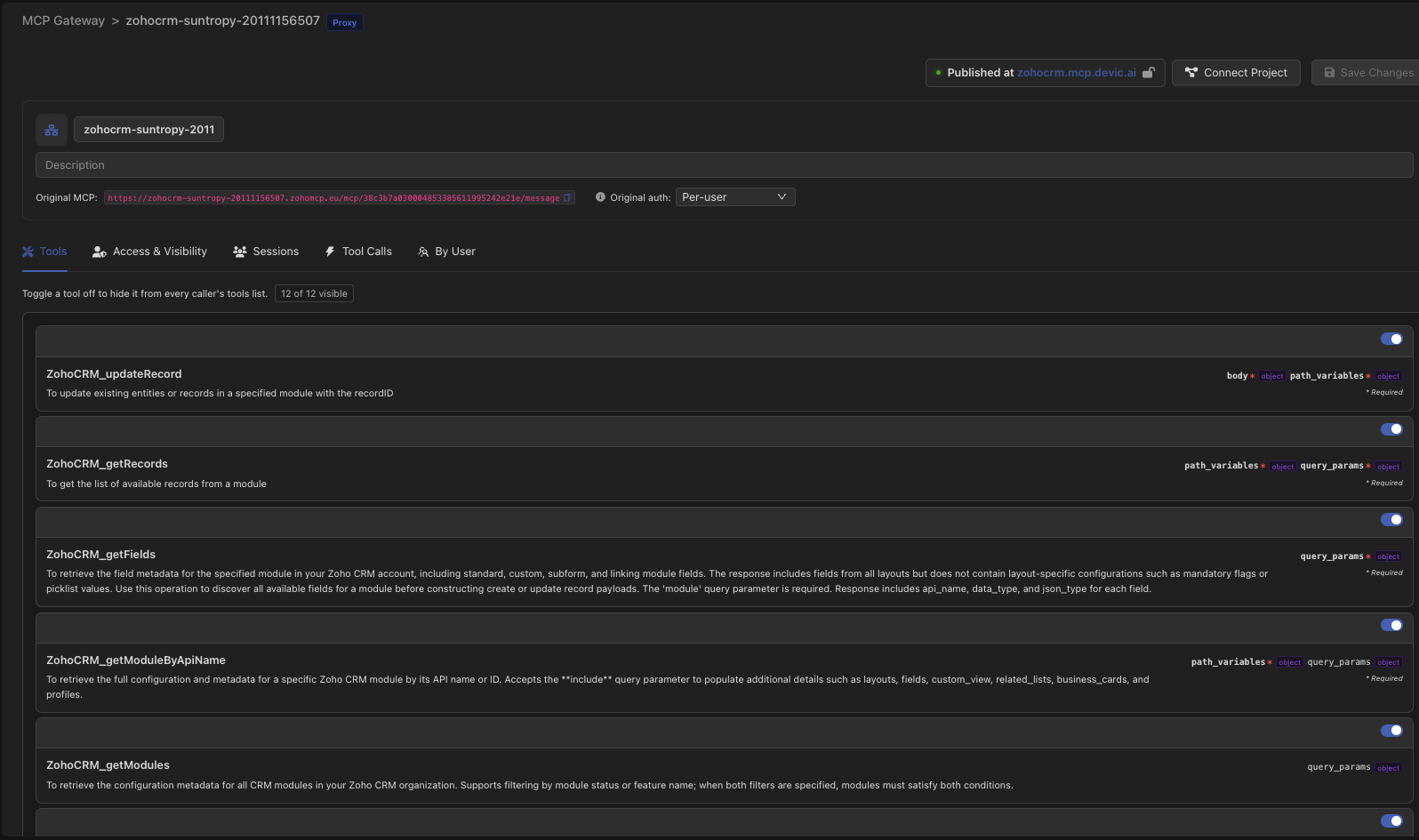
How the upstream is authenticated
User management
Turning user management on is what makes the gateway a governed surface rather than a shared pipe. With it, every session and every tool call is attributed to a Devic user — and the access controls below come alive.With user management off, the profile and per-user sections are inert, the by-user views are disabled and the tool-call search is hidden. There is no attribution to filter on, so showing the controls would be showing a promise that cannot be kept.
Visibility profiles
A profile is a named set of hidden tools — Support, Read-only, Interns — assigned to users.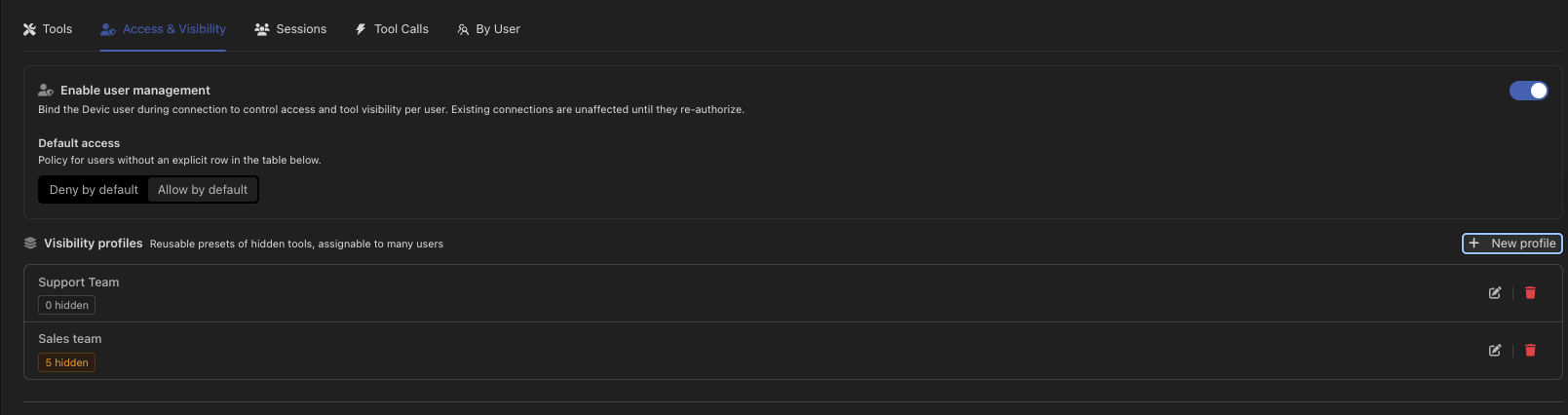

Through the API
Profiles and per-user access are fully manageable through the public API:Related
Publishing your own MCP
Turning a tool server of your own into a public MCP.
AI Governance
Where gateway activity is reviewed alongside everything else.