

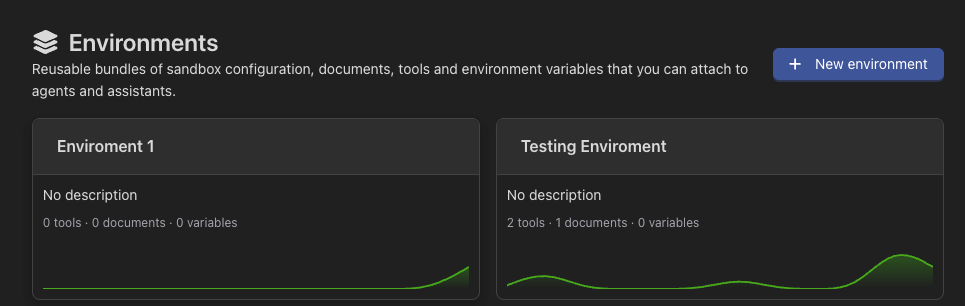
What an environment carries
Tools
The MCPs and tool groups every connected entity gets.
Knowledge
Documents and folders the connected agents can read.
Environment variables
Values available at runtime, encrypted at rest and shown masked.
Sandbox
A real Linux machine: runtime, init script, installed CLIs and its snapshot.
From the API and the CLI
Environments are not a dashboard-only feature. The whole lifecycle — create one with its variables and init script, bake a snapshot, connect an agent, then start a machine and run commands on it — is reachable from the API and the CLI:These endpoints are not reachable with a tenant session token. They hand out a
root shell, the account’s secrets and the snapshot every tenant boots from —
confining an end user to their own data is no answer to that. Use an API key.
How connecting works
An agent or assistant connects to one environment; an environment serves many. The connection is additive: what the environment brings is added to what the entity already had, so connecting one never takes tools or documents away. The connection itself can carry variables of its own, for values that differ per agent while everything else is shared. Precedence runs from most specific to least: connection → environment → sandbox.When to use one
Next steps
Configuration
Variables, secrets, tools and knowledge.
Sandbox
The machine agents run commands on, and its snapshots.
CLIs
Command-line tools baked into the snapshot.
Projects
Environments belong to a project, like everything else.