

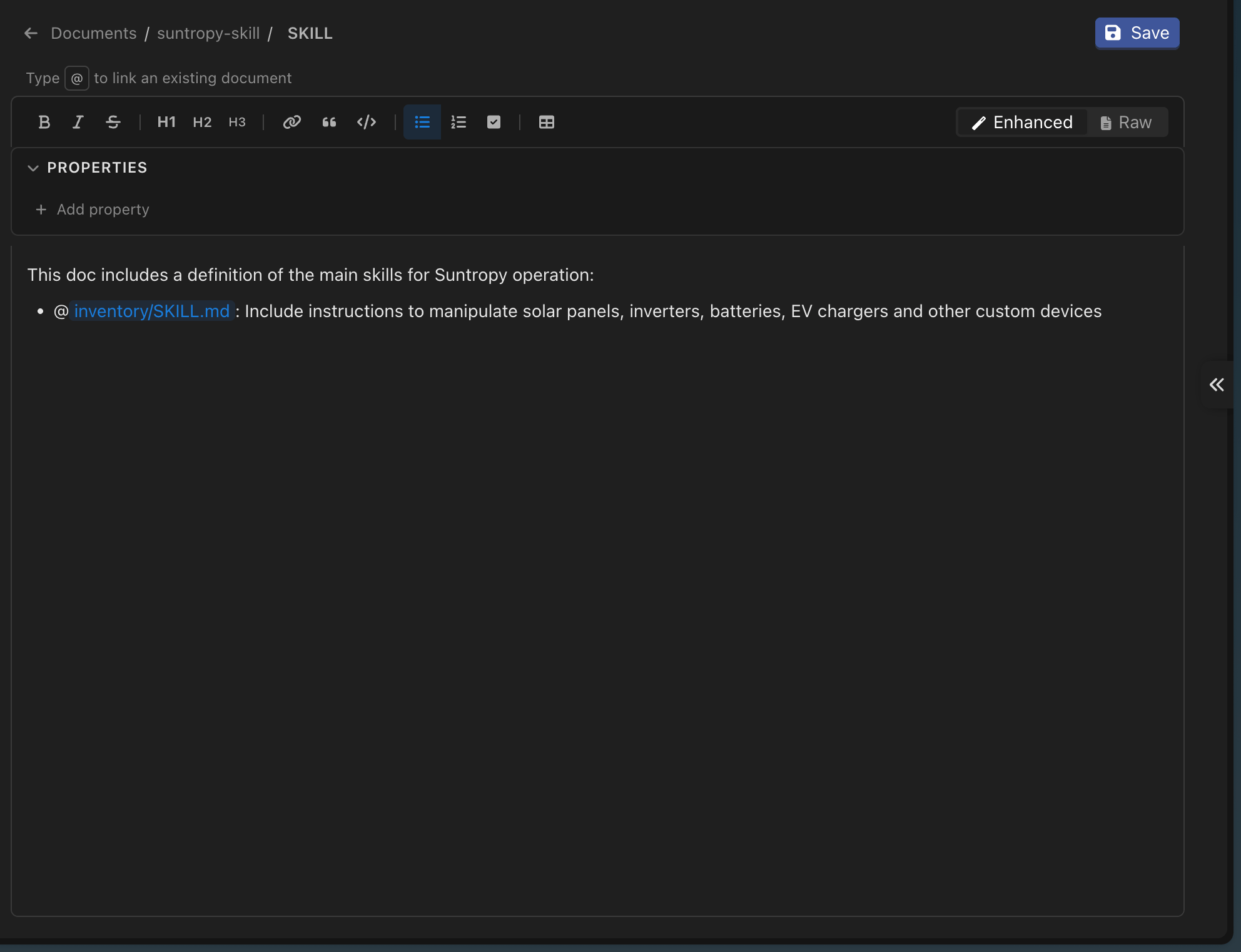
The editor
It is a rich-text editor over markdown: headings, lists, tables, code blocks and links behave as you would expect, and the file stays plain markdown underneath. That matters because the same text is what gets indexed and what an agent quotes back.Properties
Above the content sits a properties panel — the document’s frontmatter, edited as fields rather than as raw YAML.
Properties travel with the document and are visible to the agent, so a
status: draft or valid-until: 2026-12-31 is something the model can take into account when it quotes the page.
Linking documents to each other
Type@ anywhere in the document to search your other documents and insert a link to one. It becomes a chip in the editor and [[document-name]] in the markdown.
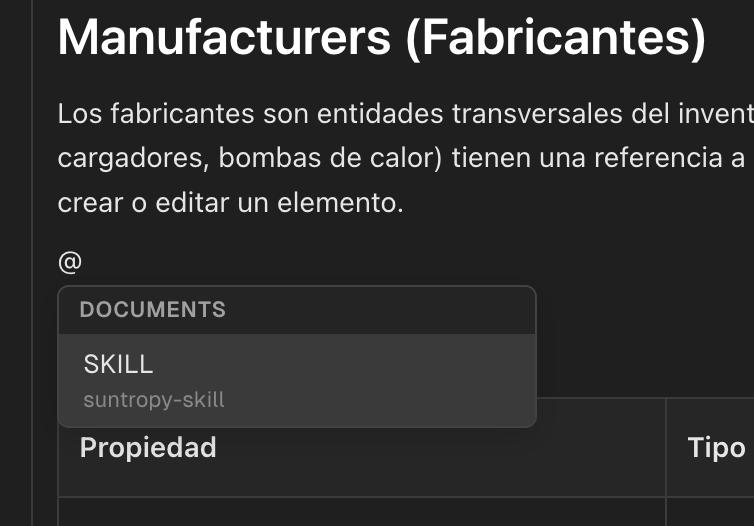
Links are more than navigation. Devic reads them to build the document graph, which is how you see what a page depends on before you change it.
Subdocuments
A document can hang below another one, to any depth. Use it when a subject is genuinely one thing with parts: a handbook with chapters, a product with variants, a process with stages. The hierarchy is not only presentational. When an agent is given a document, it is given the whole tree underneath it. Attaching Returns policy also gives the agent Returns policy → EU, Returns policy → US, and anything below those — without listing them one by one, and including the ones added tomorrow.Importing what you already have
Documentation that lives elsewhere can come in as a bundle rather than file by file:- A
.zipof markdown files — an Obsidian vault, a docs folder out of a repository — keeping its folder structure. - A skill exported from Claude: a single
SKILL.md, or a.skill/.zipbundle with one folder per skill. Referenced files, such asreferences/andscripts/, come along. Up to 100 MB.
Uploading files
For content authored outside Devic — signed contracts, supplier PDFs, exported reports — upload the file instead..pdf, .docx, .txt and .md, up to 25 MB each, ten at a time.
Devic extracts the text and writes a summary. Review the summary: it is what an agent reads when deciding whether the document is relevant, and a vague summary is the usual reason a document never gets retrieved. Edit it to say what the document is for, in the words someone would use when asking for it.
Next steps
Organising knowledge
Folders, the graph and finding things again.
Versions
Every edit kept, and how to go back.