

Overview
The My MCPs section allows you to transform your APIs or internal services into servers compatible with the Model Context Protocol (MCP) standard.Each MCP server groups a set of tools that language models can invoke directly from your agents or assistants. In other words, Devic converts your API into a standard interface ready to perform real actions on your systems through natural language or automated workflows.
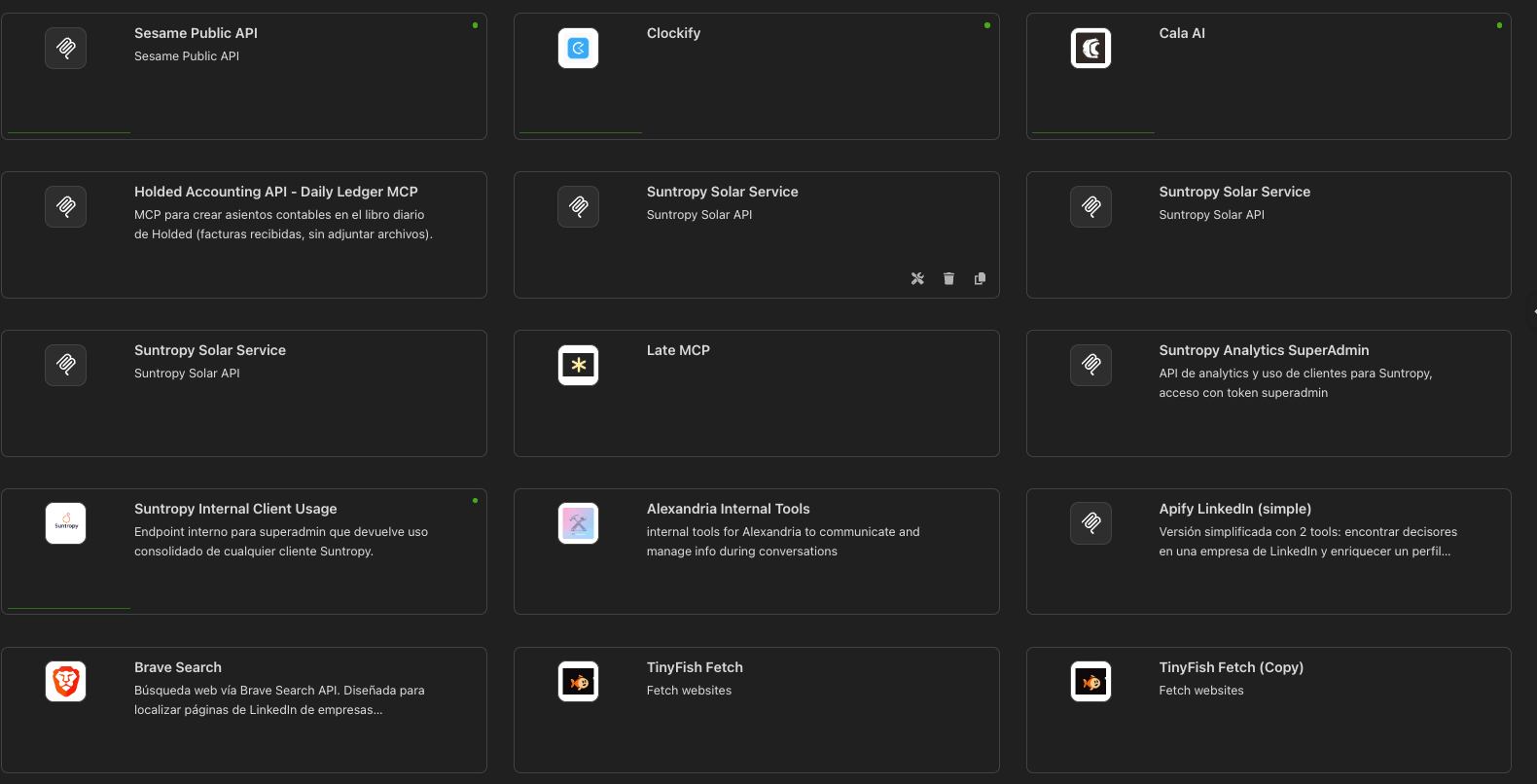
Main panel
This view displays all MCPs created within your organization.Each card represents an active connector and includes:
- MCP Name
- Service Description
- Status indicator (green = active)
- Quick access buttons: edit, delete, or publish.
Create a new MCP
Click Add custom MCP to begin configuring an MCP server based on your API specification (OpenAPI or JSON).
Types of MCPs in the view
- My MCPs: connectors created by you from your own services or endpoints. Devic hosts them.
- Connected: remote MCP servers somebody else runs, reached by URL. See Connected MCPs.
Next step
Learn how to import your first API and transform it into a functional MCP.