

Their purpose is to ensure that models operate within safe, legal, and appropriate boundaries for production environments. In real-world scenarios —especially in companies handling sensitive data, regulated processes, or critical information— guardrails are essential to prevent risks such as:
- Unintentional exposure of personal or confidential data.
- Generation of harmful, toxic, or inappropriate content.
- Model manipulation through jailbreak attempts.
- Out-of-context responses or deviations from business objectives.
- Unsafe instructions that could trigger tools or processes incorrectly.
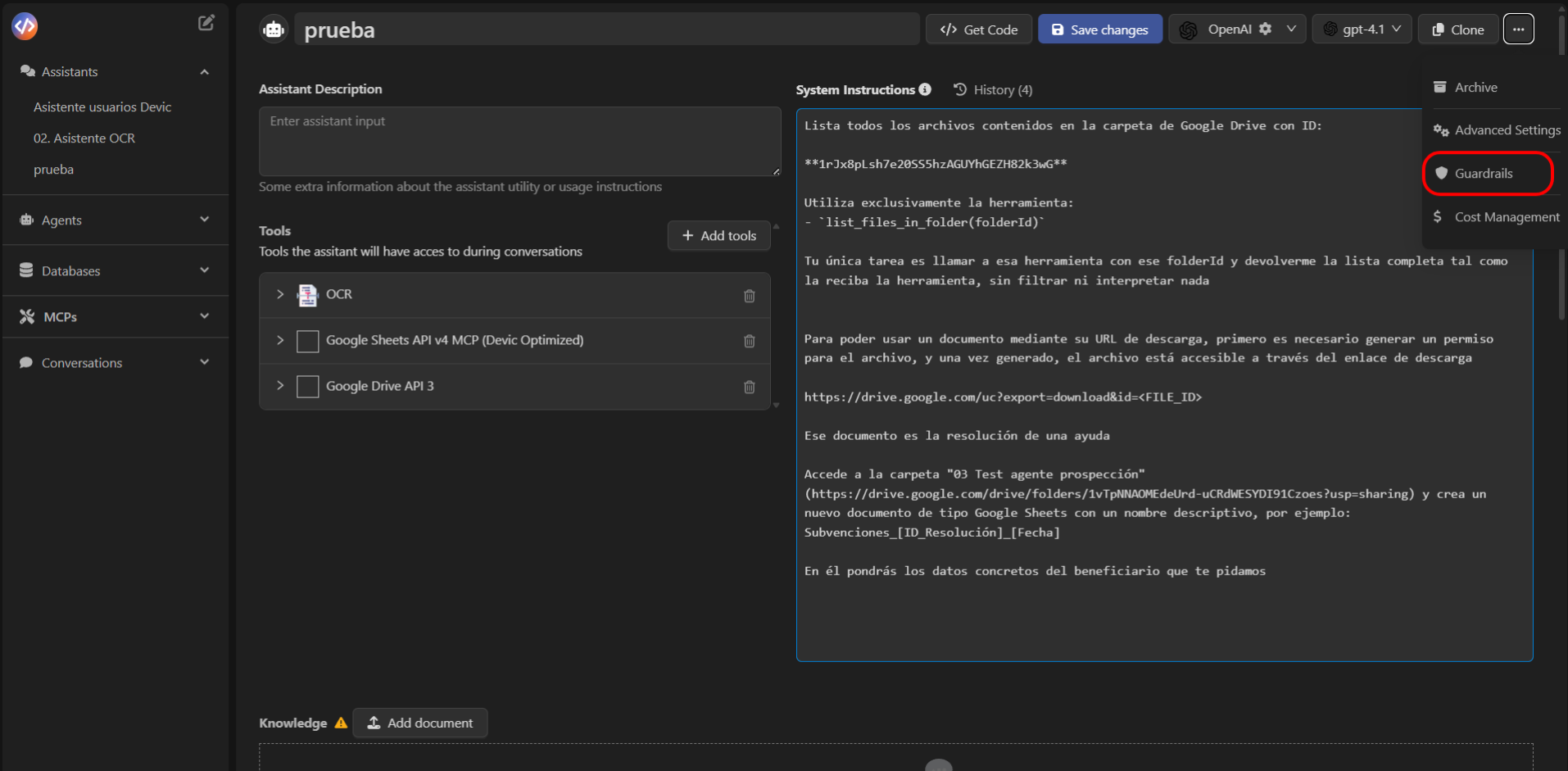
How to Access Guardrails
To configure an assistant’s guardrails:- Open the assistant from the Devic sidebar.
- Select the options menu (⋮) in the top-right corner.
- Click Guardrails.
- Press Add guardrail to create a new one.
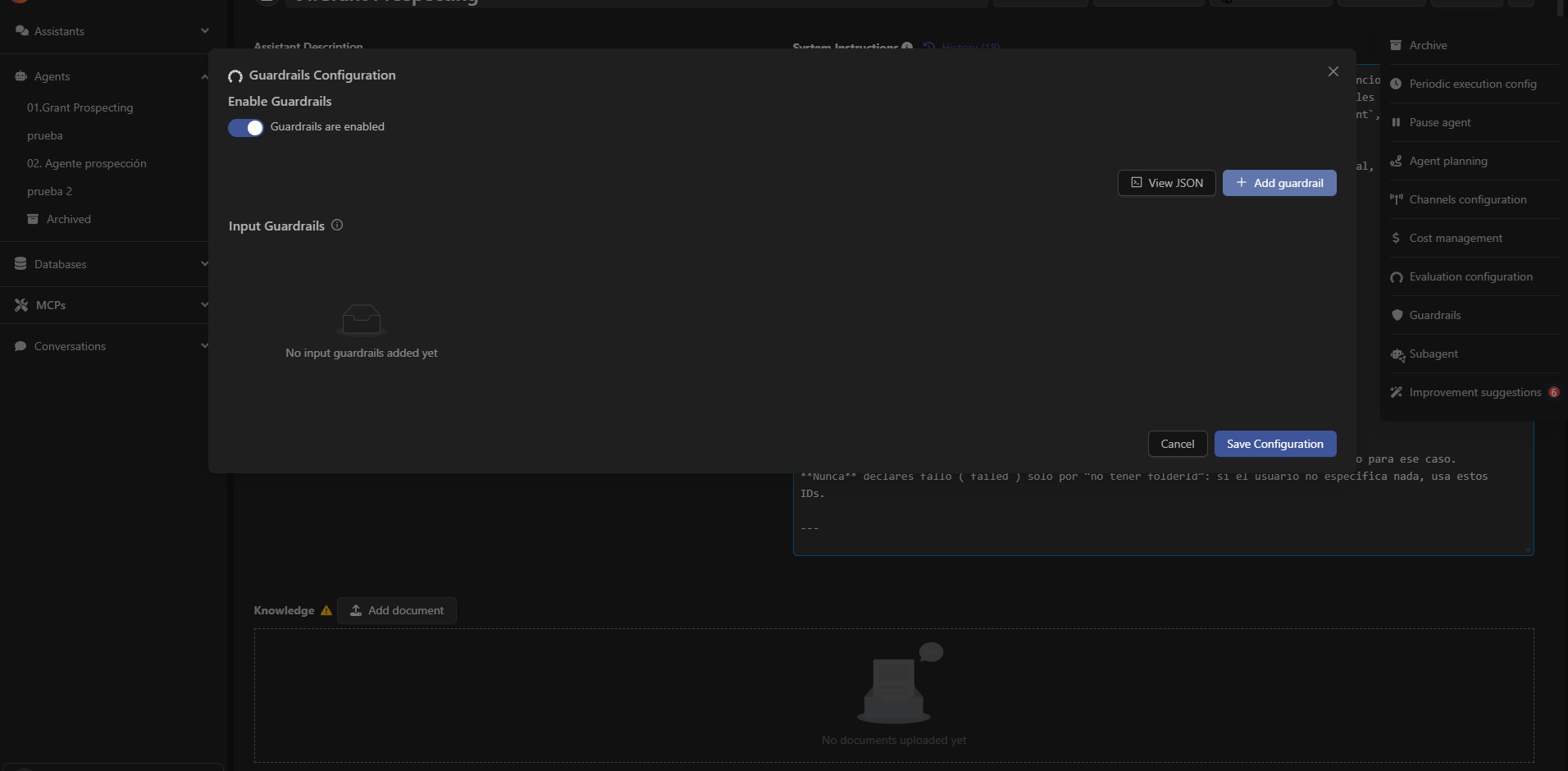
Types of Available Guardrails
Devic currently offers five main categories of guardrails:
The following sections provide more details on each guardrail, its purpose, when to use it, and how to configure it properly.
Next: Mask PII
Discover how to protect personal and sensitive data using the automatic masking guardrail.