> ## Documentation Index
> Fetch the complete documentation index at: https://docs.devic.ai/llms.txt
> Use this file to discover all available pages before exploring further.
# What They Are
> Organize your integrations and tools under the Model Context Protocol (MCP) standard to connect agents and assistants with external or internal services.
## Overview
The **Model Context Protocol (MCP)** extends the capabilities of language models by enabling them to execute actions on external or internal systems.\
In Devic, MCPs act as **integration interfaces** that connect agents and assistants with APIs, services, or custom functions.
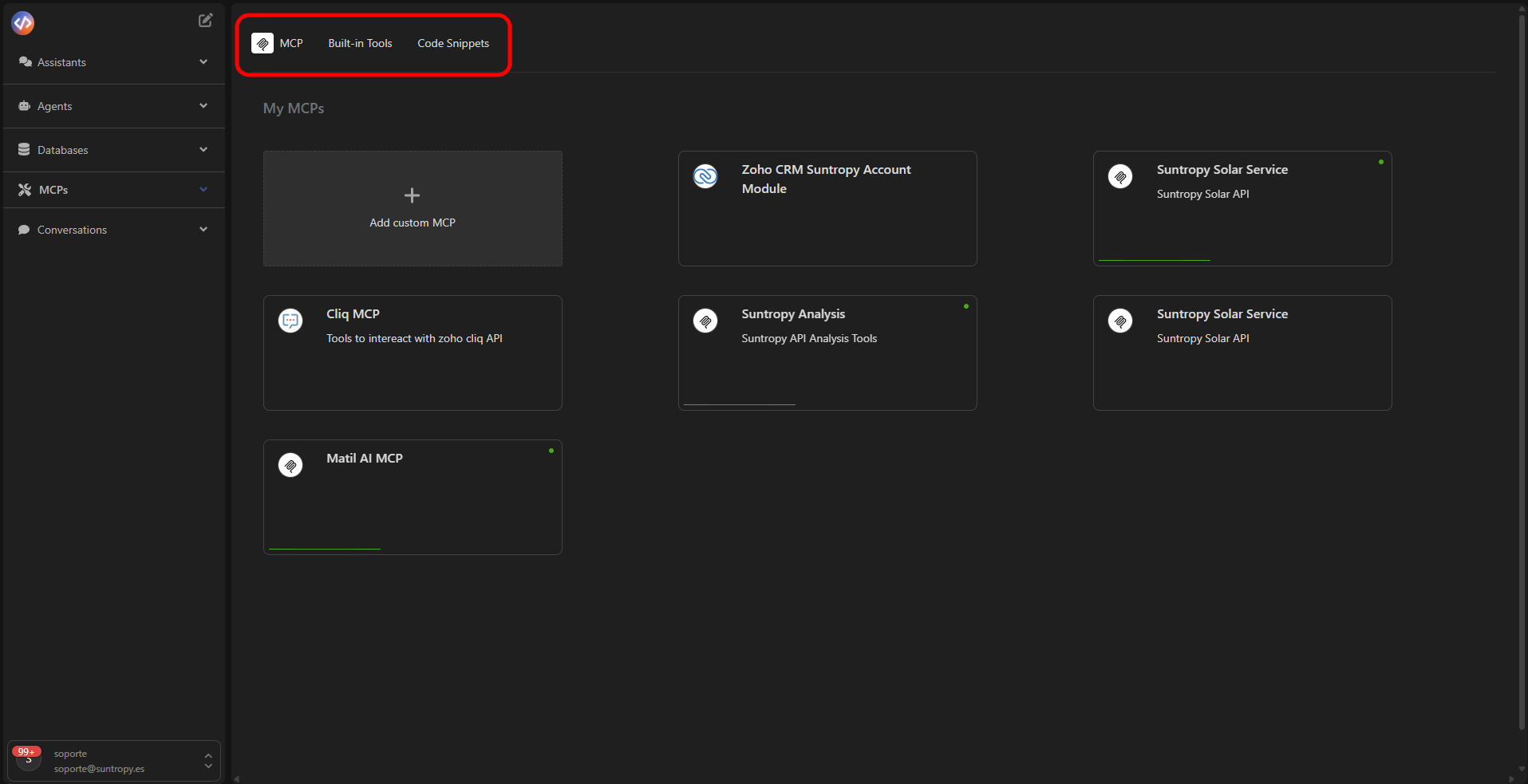
Depending on their origin or purpose, you can work with three main types:
* **My MCPs:** transform your API into an MCP server with tools ready to be used by the models.
* **Third-party imported MCPs:** access a catalog of integrations such as Google Calendar, Hubspot, or Jira.
* **Built-in Tools:** leverage native tools such as sending emails via IMAP, generating PDFs from HTML, or reading spreadsheets.
 ***
## Using MCPs
Once created or imported, MCPs become available to all agents and assistants in the environment.\
They can be invoked through natural language or integrated into automated workflows.
Agents execute MCP tools autonomously within their business logic.
MCPs can be published and shared with other environments —for example, ChatGPT or third-party services— through an access URL.
***
Learn how to create your MCP automatically from an OpenAPI definition.
***
## Using MCPs
Once created or imported, MCPs become available to all agents and assistants in the environment.\
They can be invoked through natural language or integrated into automated workflows.
Agents execute MCP tools autonomously within their business logic.
MCPs can be published and shared with other environments —for example, ChatGPT or third-party services— through an access URL.
***
Learn how to create your MCP automatically from an OpenAPI definition.